Businesses lose time and money when they cannot see where critical assets are or how those assets are being used. Tools go missing. Returnable containers sit idle. High-value goods move without enough visibility. Cold chain shipments arrive with incomplete temperature records.
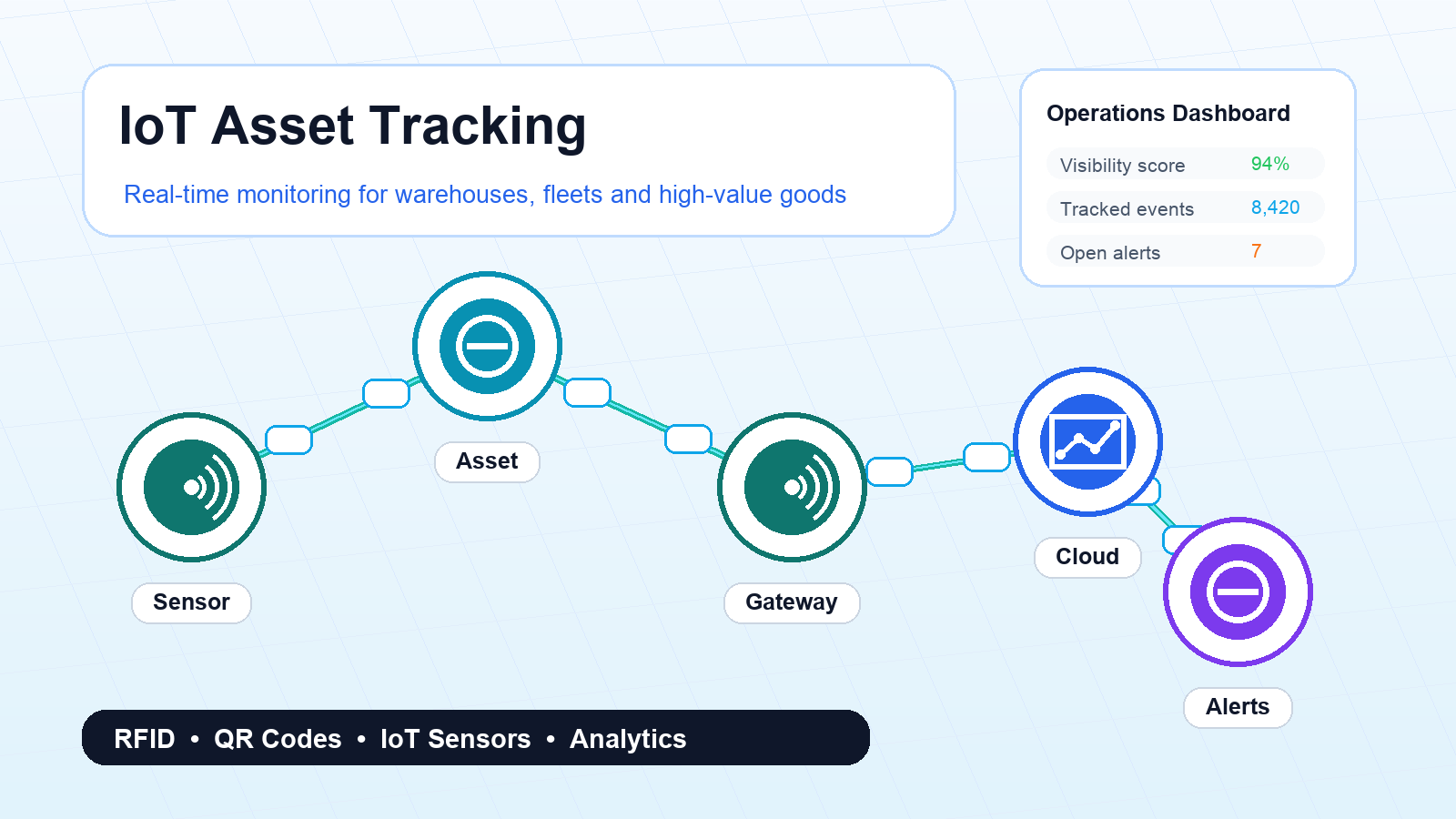
IoT asset tracking addresses these problems by combining connected sensors, gateways, networks, and software. Instead of relying only on manual scans, teams can receive live or scheduled updates about location, condition, utilization, and exceptions.
What IoT asset tracking means
IoT asset tracking uses connected devices to monitor physical assets. The device may collect data such as GPS location, indoor location, temperature, humidity, vibration, movement, door open events, battery level, or usage status.
The data is sent to a platform where teams can view dashboards, receive alerts, analyze trends, and connect asset events with business systems.
Common assets tracked with IoT
- Reusable transport items such as pallets, crates, bins, and containers
- High-value equipment, tools, and machines
- Medical devices and hospital equipment
- Cold chain shipments for food, pharma, and healthcare
- Vehicles, trailers, and mobile service assets
- Construction equipment and field assets
Why IoT is different from basic scanning
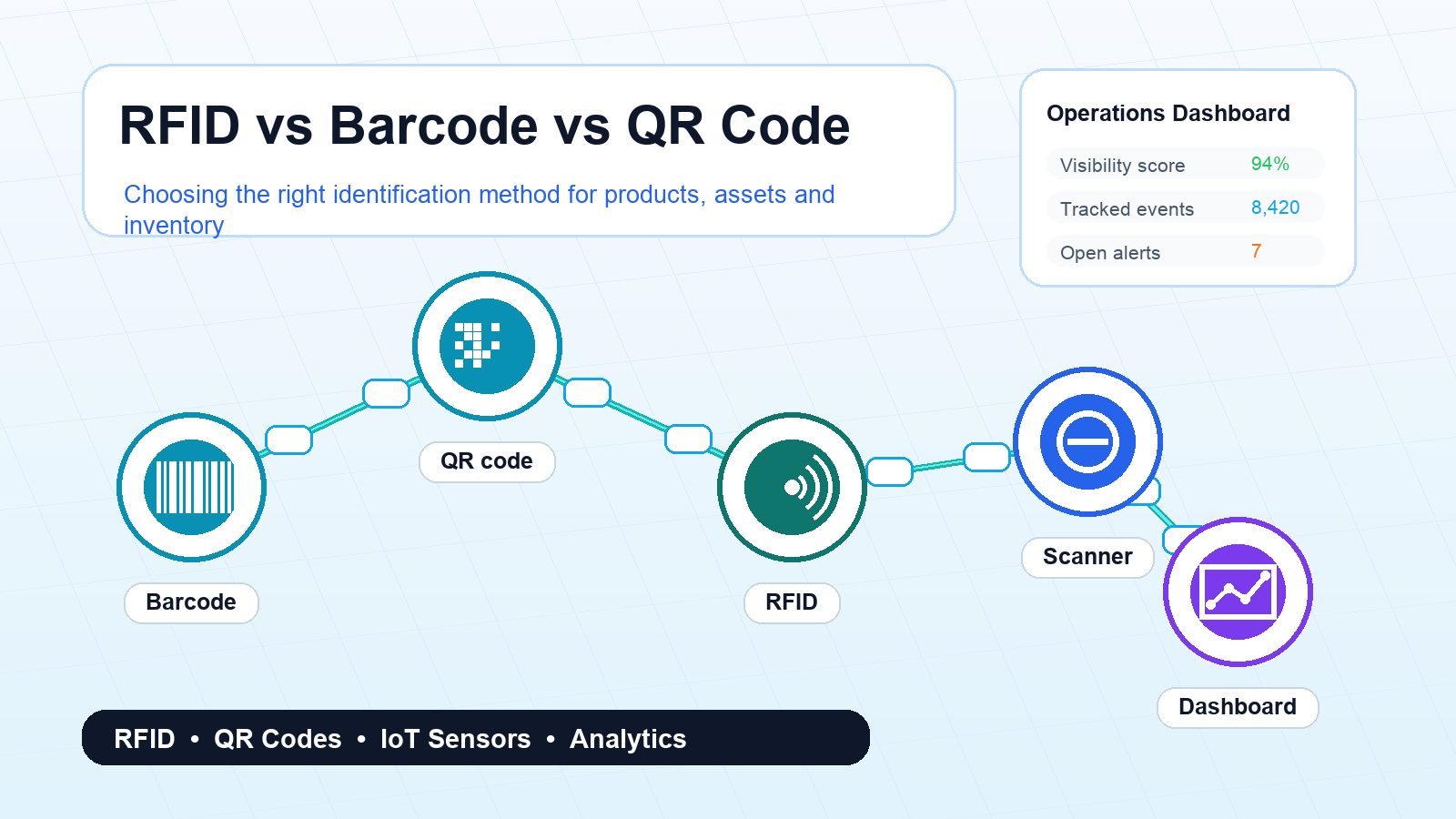
Barcode, QR code, and RFID workflows usually depend on a scan event. That works well when employees or automated readers can capture each movement. IoT is useful when teams need status updates between scans.
For example, a temperature sensor can report a cold chain breach during transit. A GPS device can show that a shipment has stopped unexpectedly. A vibration sensor can record mishandling. A utilization sensor can show whether an expensive asset is being used or sitting idle.
Useful IoT tracking data
- Location: GPS, cellular, Wi-Fi, BLE, UWB, or hybrid positioning.
- Condition: Temperature, humidity, shock, tilt, vibration, and light exposure.
- Movement: Motion, dwell time, route deviation, and unauthorized movement.
- Utilization: Active usage time, idle time, run time, and maintenance indicators.
- Device health: Battery level, signal strength, last seen time, and firmware status.
Warehouse use cases
In warehouses, IoT can help locate reusable assets, monitor storage conditions, and reduce time spent searching for equipment. Teams can track cages, forklifts, high-value inventory, temperature-controlled zones, and mobile tools.
For many warehouses, the first benefit is simple: fewer searches and fewer manual checks. When employees know where assets are, operations move faster.
Fleet and logistics use cases
Fleet operations can use IoT to monitor vehicle location, trailer status, door events, temperature, route adherence, and delivery milestones. Logistics teams can receive alerts when shipments leave planned routes, stop too long, or experience condition breaches.
This helps customer service teams give better updates and helps operations teams intervene before a delay becomes a failed delivery.
High-value goods and cold chain
IoT tracking is especially useful when the value or sensitivity of goods justifies the device cost. Pharmaceuticals, electronics, luxury goods, perishable food, medical samples, and critical spare parts often need stronger monitoring.
For cold chain shipments, IoT can provide temperature evidence across the journey. That evidence supports quality checks, compliance, and faster decisions when an exception occurs.
Network options
IoT asset tracking can use different networks depending on the location and update frequency. Common options include cellular, NB-IoT, LoRaWAN, Bluetooth Low Energy, Wi-Fi, UWB, and satellite for remote routes.
The network choice affects battery life, device cost, coverage, update frequency, and accuracy. A device that works well inside a warehouse may not work well for cross-country transport, so the environment matters.
Implementation steps
- Identify assets that create the most cost or risk when they are missing or unmanaged.
- Define what data is needed: location, condition, utilization, or exception alerts.
- Select the device and network based on the operating environment.
- Run a pilot with a small asset group and clear success metrics.
- Connect alerts and reports to the people who can act on them.
- Scale only after battery performance, coverage, and data quality are proven.
Mistakes to avoid
- Tracking too many assets before proving the business case.
- Choosing devices without testing real operating conditions.
- Collecting data without defining who receives alerts and what action they should take.
- Ignoring battery replacement and device maintenance.
- Failing to integrate asset data with warehouse, transport, or maintenance systems.
ROI drivers
The return on IoT asset tracking usually comes from reduced loss, lower search time, better utilization, fewer shipment claims, improved compliance evidence, and faster exception response. The business case is strongest when the tracked asset or product is valuable, scarce, sensitive, or operationally critical.
Final thoughts
IoT asset tracking gives businesses a live view of assets that are hard to manage with manual scanning alone. The best projects start with a focused problem, such as missing containers, cold chain risk, expensive tools, or shipment exceptions.
Once the first use case proves value, the same platform can support broader visibility across warehouses, fleets, and field operations.
FAQs
Does IoT asset tracking always require GPS?
No. GPS is useful outdoors, but indoor tracking may use BLE, Wi-Fi, UWB, RFID, or gateway-based detection.
How often should IoT devices send updates?
It depends on the use case. High-risk shipments may need frequent updates, while reusable containers may only need milestone or exception-based updates.
What is the main challenge in IoT tracking?
The main challenge is matching device, network, battery life, and software workflow to the real operating environment.